

NVIDIANVIDIA A30 GeForce RTX 5080 16GB GDDR7: Specs, AI Performance and Use Cases
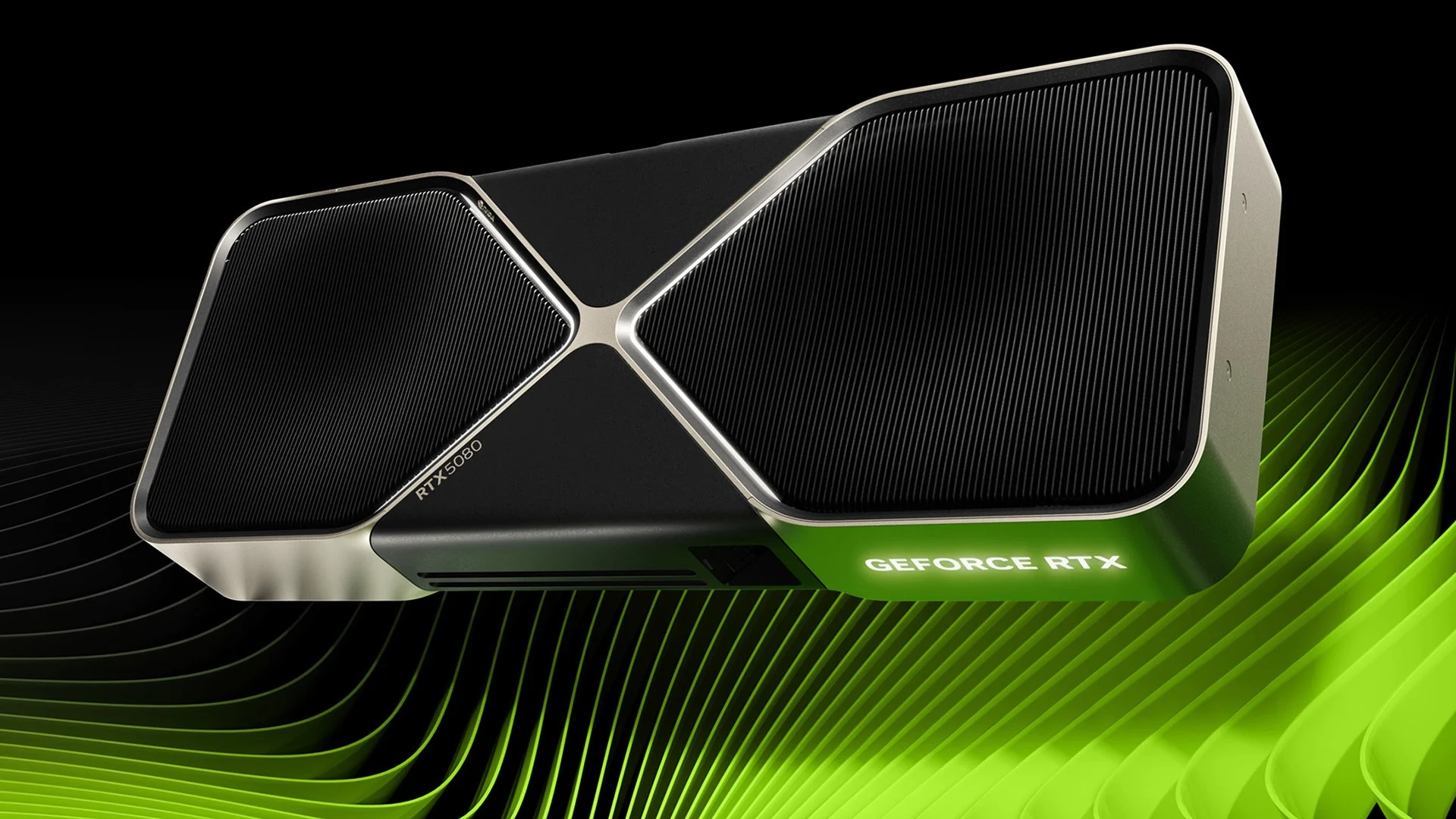
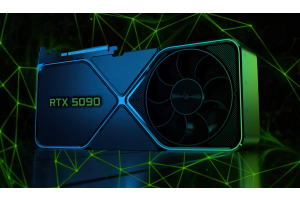
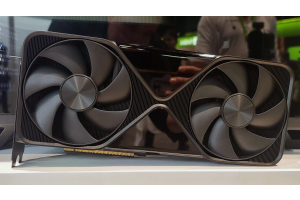
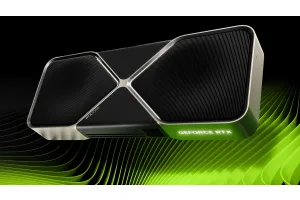
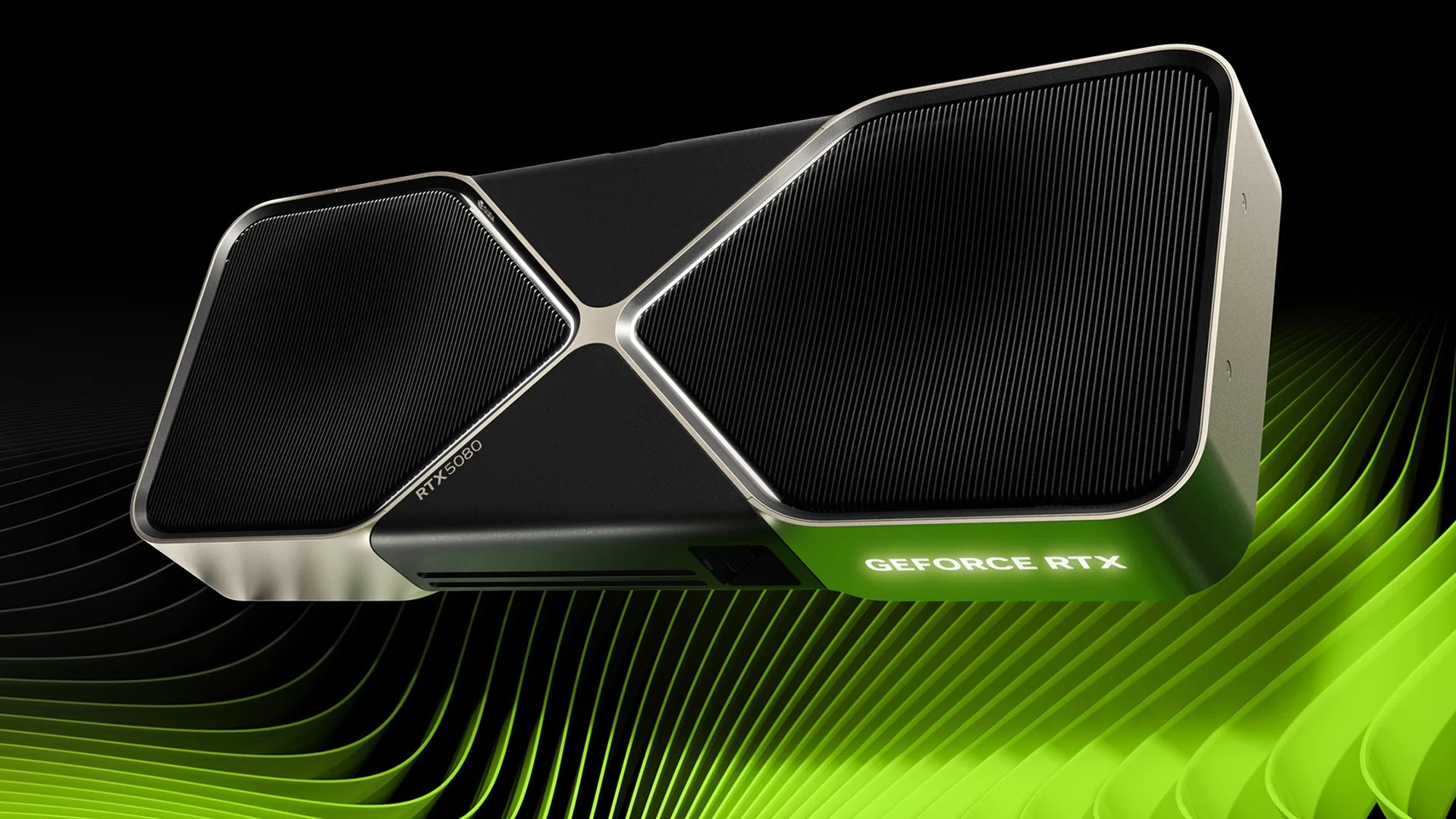
The NVIDIANVIDIA A30 GeForce RTX 5080 is one of the most powerful consumer graphics cards of the Blackwell generation. With 16GB of high-speed GDDR7 memory, 10,752 CUDA cores and dedicated fifth-generation Tensor Cores, it is designed for high-end gaming, demanding creative workflows and local AI applications.
Positioned directly below the flagship GeForce RTX 5090RTX 5090, the RTX 5080 offers a more accessible route into NVIDIANVIDIA A30 Blackwell performance. It is not a replacement for a professional data-center accelerator, but it can be a strong foundation for an advanced workstation, a premium gaming PC or a local AI development system.
The key advantage of the RTX 5080 is its balance. It combines fast memory, modern AI acceleration and strong graphics performance in a format suitable for high-end desktop systems. This makes the card relevant not only for gamers but also for creators, developers and workstation builders.
NVIDIANVIDIA A30 GeForce RTX 5080 specifications
The RTX 5080 is based on NVIDIANVIDIA A30 Blackwell architecture and introduces a major memory upgrade over the previous generation. Its 16GB of GDDR7 memory delivers up to 960GB/s of bandwidth, helping the GPU process large textures, complex scenes and demanding AI workloads more efficiently.
Key specifications:
GPU architecture: NVIDIANVIDIA A30 Blackwell
CUDA cores: 10,752
Tensor Cores: 5th generation
AI performance: 1,801 AI TOPS
Ray tracing cores: 4th generation
Boost clock: 2.62GHz
Base clock: 2.30GHz
Video memory: 16GB GDDR7
Memory interface: 256-bit
Memory bandwidth: up to 960GB/s
PCI Express interface: PCI Express Gen 5
Total graphics power: 360W
Recommended system power: 850W
Display outputs: 3 × DisplayPort and 1 × HDMI
Maximum digital resolution: up to 4K at 480Hz or 8K at 165Hz with DSC
AV1 encoding and decoding: supported
Specifications can vary between Founders Edition cards and models produced by add-in-board partners such as ASUS, GIGABYTE, MSI, PNY, Palit and ZOTAC. Cooling systems, dimensions, clock speeds and power limits should always be checked before ordering a specific version.
What makes the RTX 5080 important?
The RTX 5080 is not simply a faster replacement for an older gaming GPU. It belongs to a new generation in which artificial intelligence is becoming a core part of graphics processing, content creation and workstation software.
NVIDIANVIDIA A30 Blackwell introduces fifth-generation Tensor Cores and fourth-generation ray tracing cores. The card also supports DLSS 4, including Multi Frame Generation, Super Resolution and Ray Reconstruction. These technologies use AI to improve image quality and generate additional frames in supported games.
For professional users, the same hardware is useful beyond gaming. GPU acceleration can improve rendering, video production, image generation, visual effects, 3D workflows and some local AI tasks. The exact performance depends on the software, model size and memory requirements.
RTX 5080 for local AI workloads
Interest in high-end consumer GPUs has expanded rapidly because more users want to run AI software locally. A local workstation can provide greater control over data, lower recurring cloud costs and faster experimentation for suitable workloads.
With 16GB of VRAM, the RTX 5080 can be a practical GPU for many AI-assisted workflows, including:
AI image generation and image editing
Local inference with appropriately sized or quantized language models
Computer vision experiments
Speech processing and transcription
Embedding generation and retrieval-augmented generation workflows
AI-assisted video, design and creative applications
Development and testing before deployment to larger infrastructure
The main limitation is VRAM capacity. Although 16GB is powerful for a consumer workstation, it is not unlimited. Large AI models, serious training workloads and enterprise deployments may require GPUs with more memory or professional accelerators designed for data-center environments.
Buyers should choose a GPU based on the software they actually plan to run. VRAM capacity, memory bandwidth, software compatibility and cooling can matter as much as raw compute performance.
RTX 5080 for gaming at 4K
Gaming remains one of the RTX 5080’s primary use cases. NVIDIANVIDIA A30 designed the card for high-end systems targeting demanding 4K gaming, ray tracing and high-refresh-rate displays.
DLSS 4 with Multi Frame Generation can generate additional frames in supported titles, while Ray Reconstruction and Super Resolution help improve visual quality. This is especially relevant for graphically demanding games using extensive ray tracing.
The RTX 5080 also supports NVIDIANVIDIA A30 Reflex 2 technologies for lower latency and provides modern display connectivity for premium monitors. It can output up to 4K at 480Hz or 8K at 165Hz with Display Stream Compression, although real-world results depend on the monitor, connection and application.
RTX 5080 for creators and workstation users
The RTX 5080 is also suitable for users building a high-performance creative workstation. It includes two ninth-generation NVIDIANVIDIA A30 NVENC encoders and supports AV1 encoding and decoding.
This can be valuable for video editors, streamers, designers and creators working with high-resolution media. Applications that use GPU acceleration can benefit from the card’s CUDA cores, Tensor Cores and memory bandwidth.
Typical workstation use cases include:
4K and high-resolution video editing
AV1 video encoding
3D rendering and visualization
Motion graphics and visual effects
AI-assisted creative tools
Livestreaming and media production
Development environments combining graphics and AI workloads
Power supply and cooling requirements
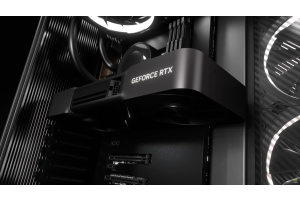
High-end GPU performance requires careful system planning. The RTX 5080 has a total graphics power rating of 360W, and NVIDIANVIDIA A30 recommends an 850W system power supply for the Founders Edition.
The Founders Edition can use either three PCIe 8-pin cables through the included adapter or a compatible PCIe Gen 5 power cable rated at 450W or higher. Partner cards may have different requirements.
Before buying an RTX 5080, check:
The recommended PSU wattage for the exact model
The available power connectors
The internal case dimensions
The number of expansion slots required
Case airflow and cooling capacity
Motherboard compatibility
The balance between CPU, GPU, RAM and storageStorage performance
Some partner cards use larger cooling systems than the Founders Edition. A compact case that fits one RTX 5080 model may not necessarily fit another version.
RTX 5080 versus RTX 5090RTX 5090: which one should you choose?
The RTX 5090RTX 5090 is the flagship option for buyers seeking the maximum possible GeForce performance and a larger 32GB frame buffer. It is more suitable when VRAM capacity is the central requirement and the budget allows for a substantially more expensive build.
The RTX 5080 is the more balanced choice for many high-end systems. It still offers Blackwell architecture, 16GB of GDDR7 memory and substantial AI acceleration while requiring a lower overall investment.
Choose the RTX 5080 when:
You need a premium 4K gaming GPU
You are building an advanced creative workstation
You run suitable local AI inference tasks
You need strong performance without moving to the flagship tier
Consider a higher-memory GPU when:
Your AI model requires more than 16GB of VRAM
You need a GPU primarily for demanding AI workloads
You plan to train larger models
You are designing a professional multi-GPU or data-center system
Is the RTX 5080 a data-center GPU?
No. The GeForce RTX 5080 is a high-end consumer graphics card. It can be useful in a workstation, but it is not a direct substitute for a professional GPU designed for enterprise deployment.
Data-center accelerators are built around different priorities, such as larger memory capacity, validated enterprise software stacks, long-term availability, specialized cooling formats and large-scale infrastructure requirements.
For an individual developer, creator or small team, a GeForce-based workstation may still offer a strong entry point. For production infrastructure, the correct choice depends on workload, scale, uptime requirements and software support.
Why RTX 5080 availability matters
The RTX 5080 occupies an important position in the market: it is less expensive than the RTX 5090RTX 5090 but remains one of the most powerful GeForce GPUs available. This makes it attractive to gamers, creators and workstation builders competing for the same high-end hardware.
Availability and pricing can differ significantly depending on region, manufacturer, cooling design and stock levels. Buyers should compare exact model numbers rather than relying only on the GPU name.
When choosing a card, look at the full specification: dimensions, cooler design, power limits, warranty conditions, connector requirements and delivery availability.
Frequently asked questions
How much VRAM does the NVIDIANVIDIA A30 GeForce RTX 5080 have?
The RTX 5080 has 16GB of GDDR7 video memory with a 256-bit memory interface.
Is the RTX 5080 suitable for local AI?
Yes. It can be suitable for AI image generation, local inference with appropriately sized models, computer vision experiments and AI-assisted creative workflows. Workloads requiring more than 16GB of VRAM need a different GPU configuration.
What power supply does an RTX 5080 need?
NVIDIANVIDIA A30 recommends an 850W system power supply for the Founders Edition. Requirements can vary for partner cards, so always check the specifications of the exact model.
Does the RTX 5080 support PCI Express Gen 5?
Yes. The NVIDIANVIDIA A30 GeForce RTX 5080 supports PCI Express Gen 5.
Does the RTX 5080 support AV1 encoding?
Yes. The GPU supports AV1 encoding and decoding and includes two ninth-generation NVIDIANVIDIA A30 NVENC encoders.
Is the RTX 5080 better than the RTX 5090RTX 5090?
The RTX 5090RTX 5090 is the more powerful flagship GPU and has more VRAM. The RTX 5080 can be the more balanced option for buyers who want high-end Blackwell performance without moving to the flagship price tier.
Can the RTX 5080 be used in a workstation?
Yes. It can be used in a powerful workstation for creative applications, development, media production and suitable local AI workloads. For enterprise deployment, a professional or data-center GPU may be more appropriate.
Build a High-Performance AI Workstation
Explore graphics cards, processorsProcessors, memory, storageStorage and serverServer components for AI systems, workstationsWorkstations and demanding computing environments at Outlet City TechOutlet City Tech.