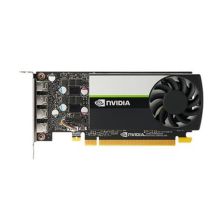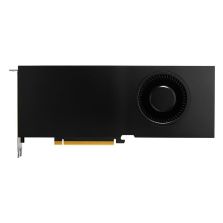


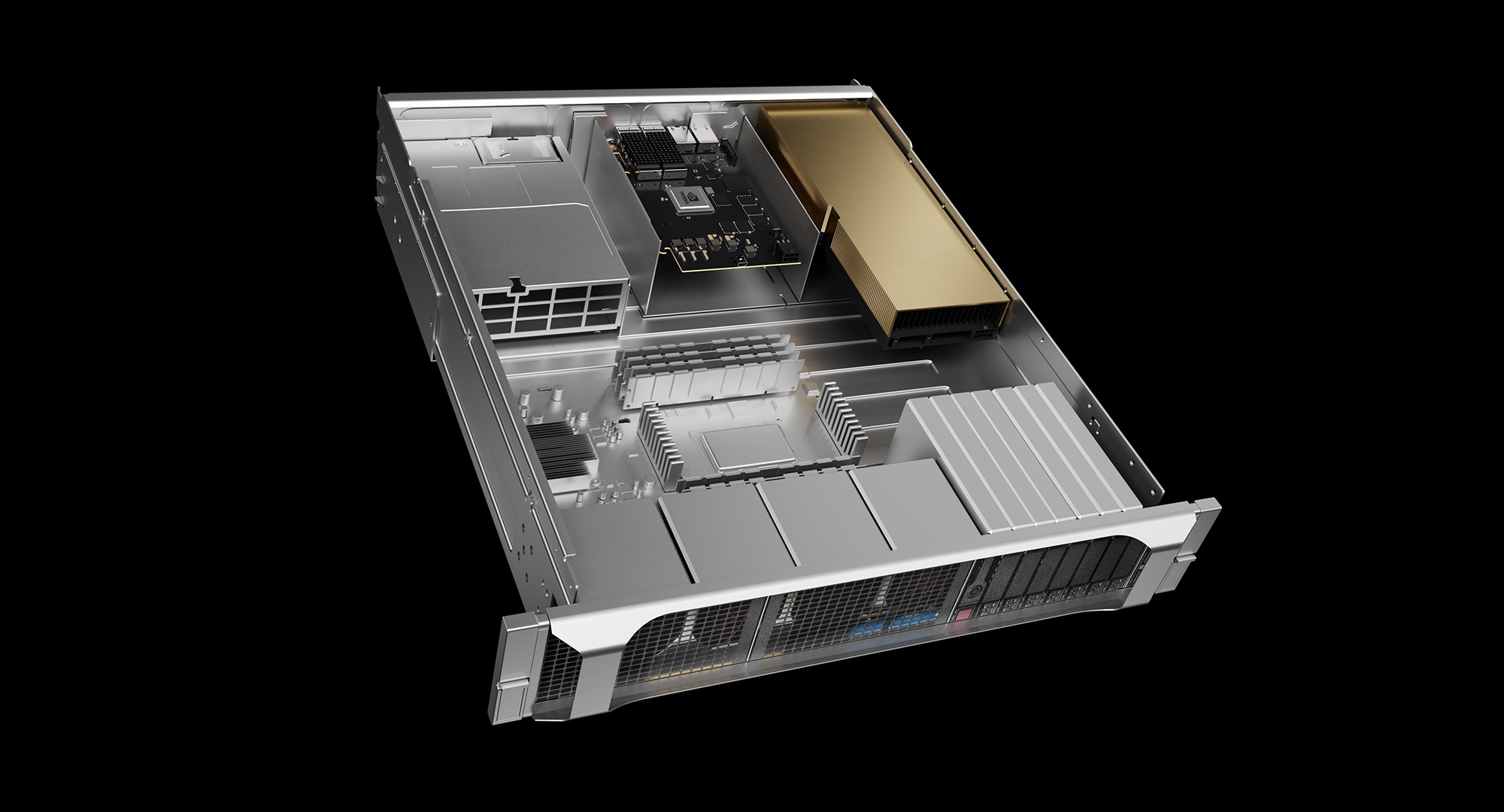
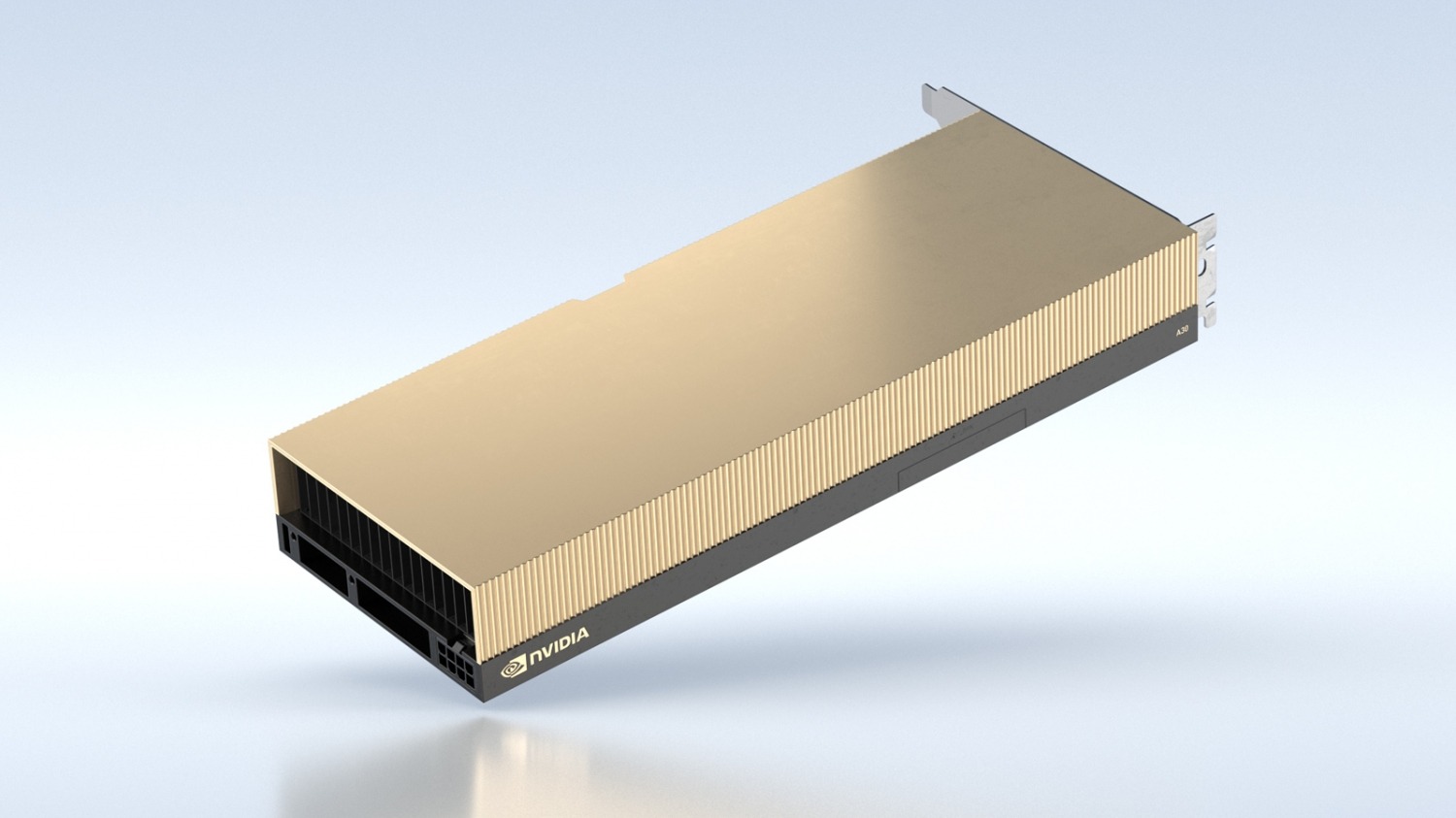
The NVIDIANVIDIA A30 A30 24GB HBM2 PCIe 4.0 dual-slot GPU is not a gaming graphics card and should not be evaluated like one. It is a data center accelerator designed for servers, enterprise AI workloads, inference, mainstream training, analytics and high-performance computing. The part number NvidiaNVIDIA A30 900-21001-0040-100 points to a professional NVIDIANVIDIA A30 A30 configuration with 24GB of high-bandwidth HBM2 memory, PCIe Gen4 connectivity and a dual-slot serverServer form factor. This is the type of GPU that makes sense in a rackmount system, AI node, virtualization host or compute serverServer where stability, memory bandwidth and workload partitioning matter more than video outputs or desktop performance.
For buyers comparing older data center GPUs, the A30 is interesting because it sits in a practical middle ground. It is not as expensive or power-hungry as the largest NVIDIANVIDIA A30 A100-class accelerators, but it is far more serious than consumer or workstation GPUs when the workload requires ECC memory, Multi-Instance GPU support, enterprise driver stacks and predictable serverServer integration. The card is built around NVIDIANVIDIA A30’s Ampere architecture and focuses on Tensor Core acceleration, mixed-precision compute and dense memory bandwidth. That makes it useful for AI inference, model serving, smaller training jobs, data analytics, scientific workloads and virtualized GPU environments.
What Is the NVIDIANVIDIA A30 A30?
The NVIDIANVIDIA A30 A30 is a Tensor Core GPU accelerator for data center servers. It was designed for organizations that need strong AI and HPC performance but do not always require the extreme cost and scale of top-tier accelerators. With 24GB of HBM2 memory and very high memory bandwidth, the A30 is well suited for workloads where data movement is a major bottleneck. This includes neural networkNetwork inference, mixed-precision AI workloads, analytics pipelines, simulation, rendering-related compute tasks and enterprise GPU virtualization.
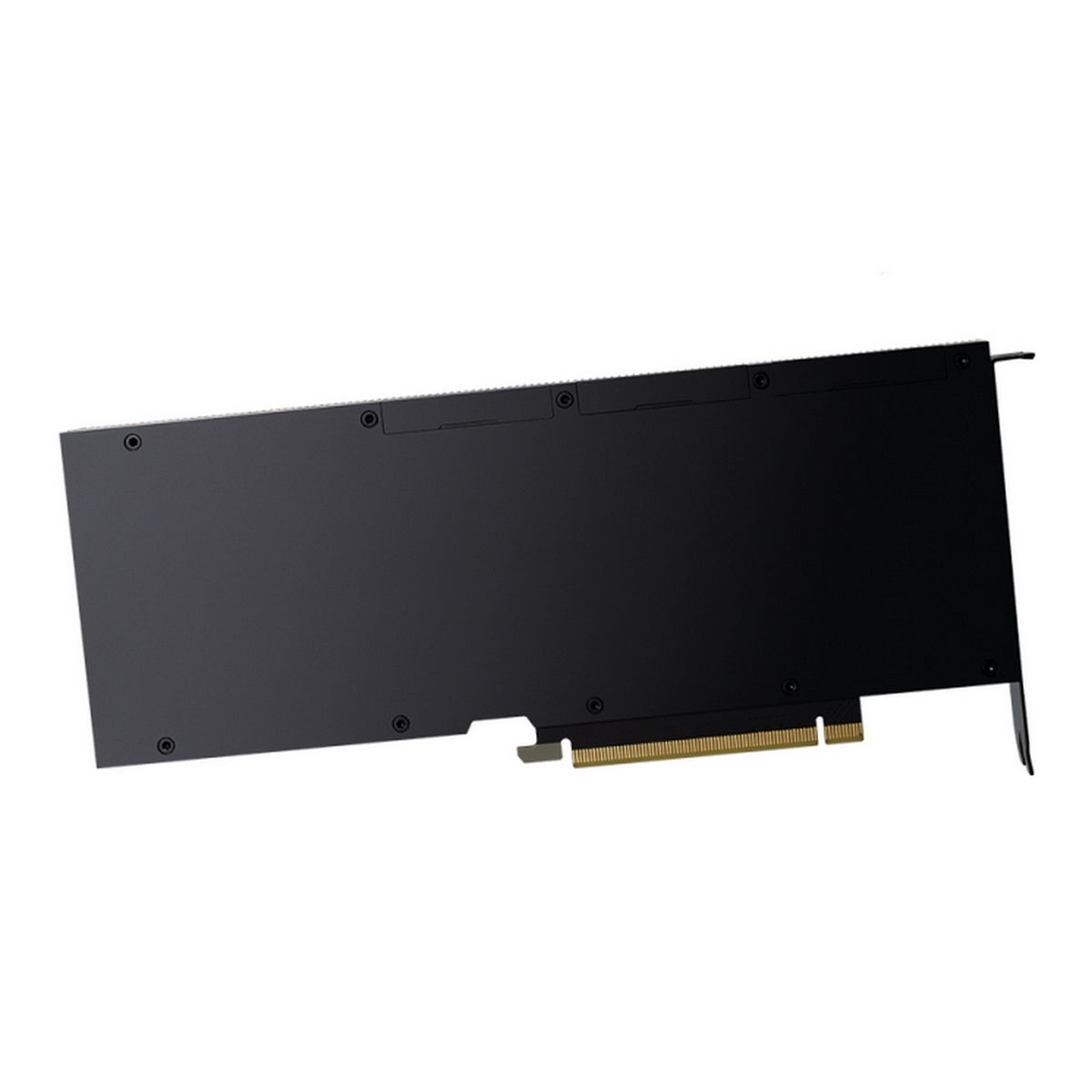
Unlike desktop GPUs, the A30 is usually installed in servers with controlled airflow, proper PCIe power delivery and validated firmware support. It is not aimed at users who need HDMI or DisplayPort outputs. The value of the card is in compute density, serverServer compatibility, ECC memory support, MIG partitioning and enterprise software support. In other words, this is a GPU for workloads, not for monitors.
The 900-21001-0040-100 model is especially relevant for refurbished serverServer builds, AI lab servers and companies trying to build cost-effective infrastructure from enterprise hardware. On the secondary market, A30 cards are often considered by buyers who need a reliable NVIDIANVIDIA A30 data center GPU but want to avoid the cost of newer H100, H200, L40S or A100 hardware. For the right workload, that can be a rational decision.
Key Specifications
The NVIDIANVIDIA A30 A30 comes with 24GB of HBM2 memory and memory bandwidth of up to 933 GB/s. That memory subsystem is one of the main reasons this card remains useful in enterprise compute workloads. Many AI and HPC applications are not limited only by raw shader or tensor performance; they are limited by how quickly data can be moved between GPU memory and compute units. HBM2 gives the A30 a different profile compared with many GDDR-based workstation GPUs.
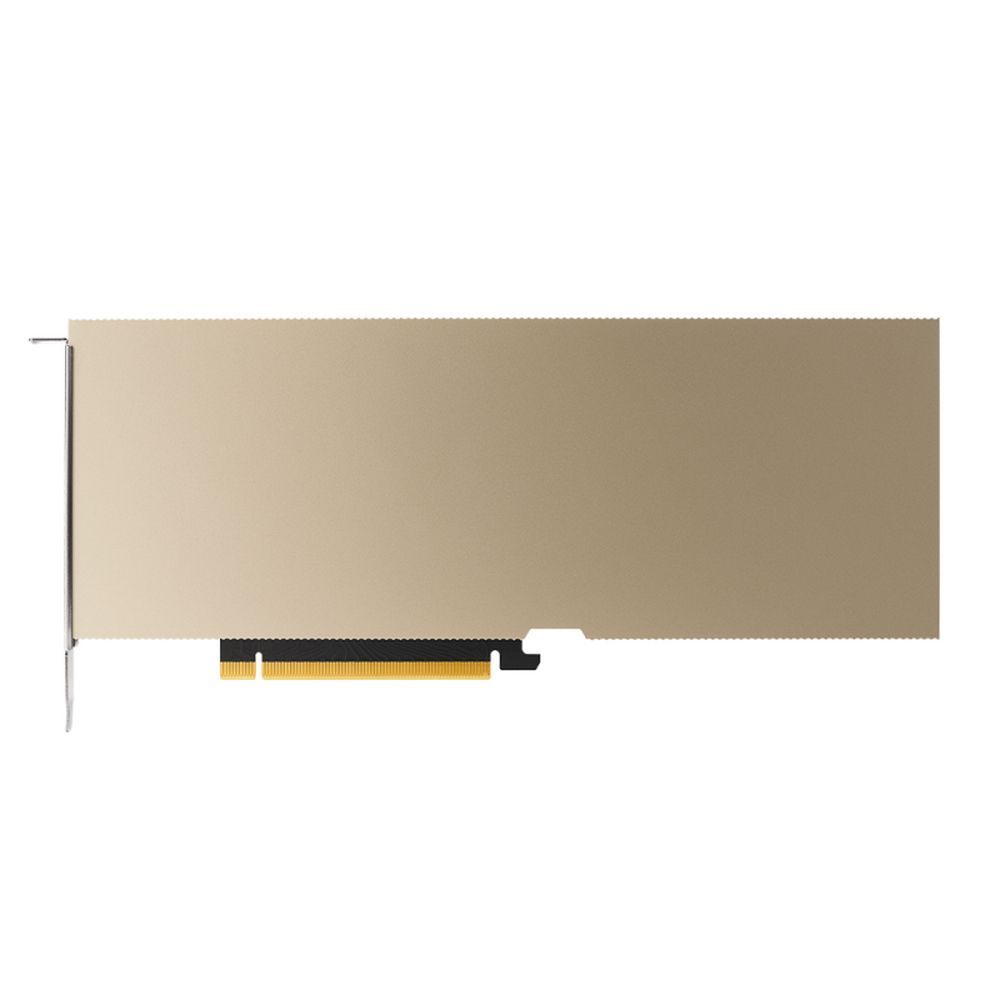
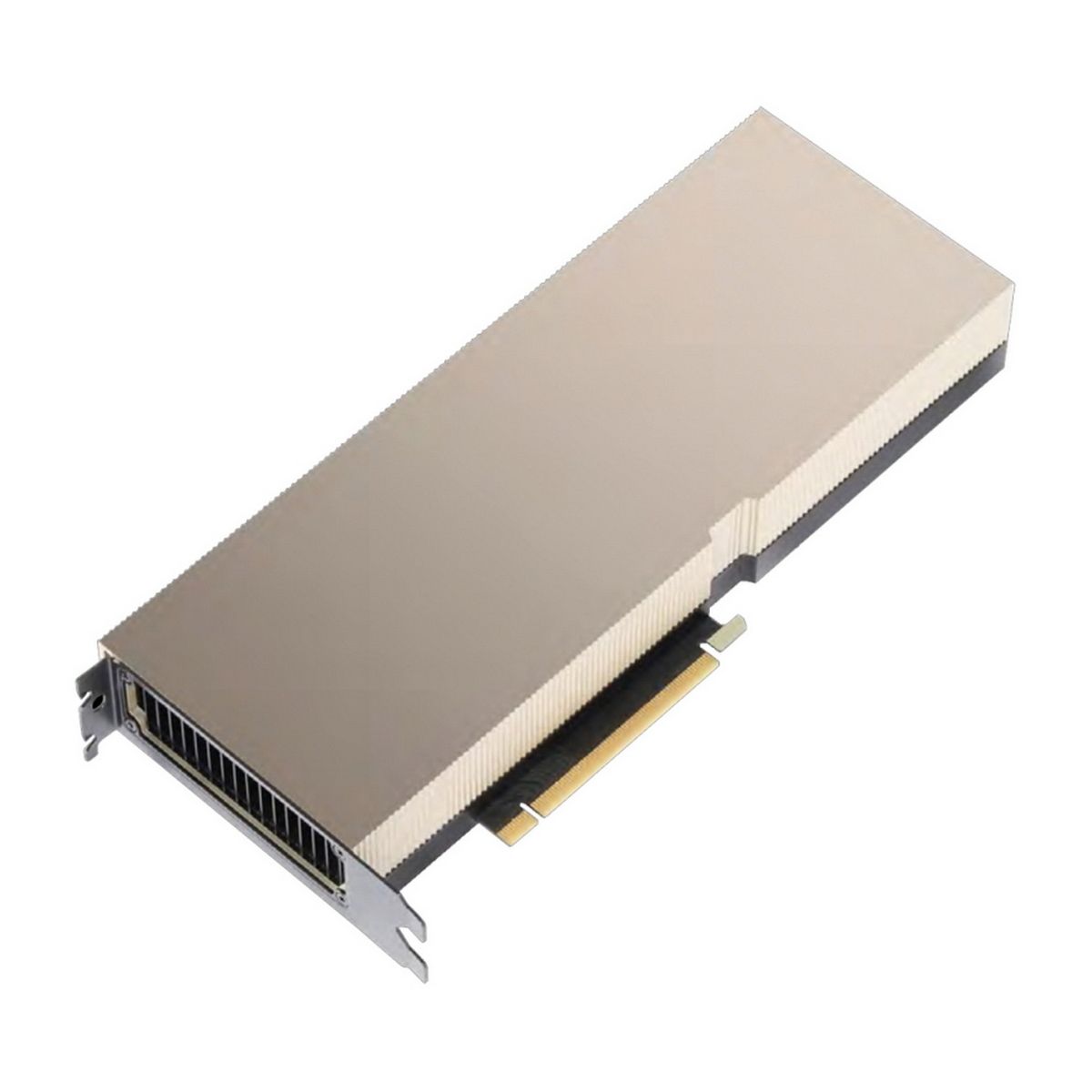
The card uses PCIe 4.0 x16 connectivity, which gives it enough host bandwidth for modern serverServer platforms. It also supports third-generation NVIDIANVIDIA A30 NVLink, depending on system configuration, for higher-bandwidth GPU-to-GPU communication. Its maximum TDP is around 165 W, which is moderate for a data center accelerator and easier to manage than many higher-end cards. The form factor is dual-slot, full-height, full-length, which means it requires a proper serverServer chassis with sufficient airflow and physical clearance.
A practical specification summary looks like this:
Model: NVIDIANVIDIA A30 A30
Part number: 900-21001-0040-100
Architecture: NVIDIANVIDIA A30 Ampere
Memory: 24GB HBM2
Memory bandwidth: up to 933 GB/s
Interface: PCIe 4.0 x16
Form factor: dual-slot, full-height, full-length
Maximum power: around 165 W
Cooling type: serverServer-oriented passive cooling in most configurations
Workload focus: AI inference, mainstream AI training, HPC, analytics, virtualization
Key enterprise features: Tensor Cores, MIG, ECC memory, vGPU support, NVLink support in compatible systems
Why 24GB HBM2 Still Matters
The most important part of the NVIDIANVIDIA A30 A30 is not only the GPU core. It is the combination of Ampere compute features and 24GB of high-bandwidth HBM2 memory. In many real workloads, memory capacity and bandwidth decide whether a GPU feels usable or limited. A card with fast compute but weak memory bandwidth can become inefficient in data-heavy tasks. The A30 avoids that problem by offering a serious memory subsystem for its class.
For AI inference, 24GB is enough for many production workloads, especially when models are optimized, quantized or split across instances. For smaller training jobs, experimentation and enterprise AI pipelines, the card can still be very practical. It is not the right choice for the largest frontier-scale models, but it was never meant for that role. Its strength is mainstream serverServer acceleration: enough memory, high bandwidth, controlled power and enterprise-grade stability.
For HPC and analytics, HBM2 can be especially valuable. Scientific workloads, numerical methods, data processing and GPU-accelerated analytics often benefit from memory bandwidth as much as raw compute throughput. That makes the A30 more balanced than many GPUs that look fast on paper but are less efficient under sustained serverServer workloads.
Multi-Instance GPU: Why MIG Is Important
One of the strongest features of the NVIDIANVIDIA A30 A30 is Multi-Instance GPU support. MIG allows a single physical GPU to be partitioned into multiple isolated GPU instances. This is especially useful in enterprise environments where one large GPU may need to serve several smaller workloads at the same time. Instead of giving one user or one process the full card, administrators can split GPU resources into smaller predictable slices.
For example, an A30 can be divided into multiple GPU instances with dedicated memory allocations. That makes it useful for inference services, development teams, virtual desktops, containerized workloads and shared AI infrastructure. In a small company or lab, this can be more valuable than having one powerful GPU locked to a single task. It improves utilization, reduces idle resources and makes infrastructure easier to share.
This is also one reason why the A30 can be more attractive than many consumer GPUs. A consumer card may offer good raw performance, but it lacks proper MIG support, enterprise virtualization features, data center validation and predictable multi-tenant behavior. For business infrastructure, those details matter.
Best Use Cases for NVIDIANVIDIA A30 A30
The NVIDIANVIDIA A30 A30 is best suited for AI inference. If a company needs to serve models, run computer vision pipelines, process language models at moderate scale or deploy AI services internally, the A30 can be a sensible option. Its 24GB memory capacity is enough for many optimized workloads, and its Tensor Cores provide the acceleration needed for modern AI frameworks.
The card is also useful for mainstream AI training. It is not a replacement for a high-end A100 or H100 cluster, but it can handle smaller models, research workloads, fine-tuning, testing and development. For teams that need to experiment, validate pipelines or run practical training tasks without buying the most expensive accelerators, A30 can be a reasonable compromise.
Another strong area is virtualization. With NVIDIANVIDIA A30 vGPU software support, the A30 can be used in enterprise environments where GPU resources need to be shared across virtual machines or workloads. This makes it useful in private cloud infrastructure, engineering environments, remote workstation setups and internal AI platforms.
The A30 also fits HPC and analytics. Applications that depend on memory bandwidth, mixed-precision compute and stable serverServer deployment can benefit from the card. This includes simulation, numerical workloads, data science, RAPIDS-based analytics and accelerated compute pipelines.
Where the A30 Is Not the Right Choice
The NVIDIANVIDIA A30 A30 is not the best card for gaming, desktop rendering or a workstation build that needs display outputs. It is a serverServer accelerator. If the buyer expects it to behave like an RTX graphics card, the purchase will likely be wrong. The A30 belongs in a serverServer chassis with correct airflow, compatible motherboard firmware, proper PCIe spacing and suitable power delivery.
It is also not the best option for the largest modern AI models. A 24GB memory limit is practical, but it is still a limit. For very large models, larger datasets or heavy multi-GPU training, buyers should compare it with A100 40GB/80GB, H100, H200 or modern L40S-class hardware depending on the workload. The A30 is a strong enterprise middle-ground card, not the top of the current NVIDIANVIDIA A30 data center stack.
Buyers should also avoid installing passive A30 cards in standard desktop cases. Passive data center GPUs depend on strong front-to-back serverServer airflow. Without it, the GPU may overheat or throttle. This is one of the most common mistakes when people buy refurbished enterprise GPUs for non-serverServer systems.
ServerServer Compatibility
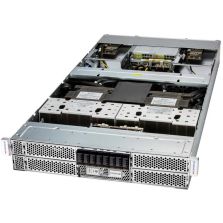
Before buying an NVIDIANVIDIA A30 A30 24GB HBM2 PCIe GPU, the first question should be compatibility. The serverServer must support full-height, full-length dual-slot PCIe GPUs. It must also have sufficient airflow, correct risers, GPU power cables and BIOS support. In many rackmount servers, GPU support depends on the exact chassis, riser configuration and power supply setup.
For Dell, HPEHPE, LenovoLenovo, Supermicro and Gigabyte servers, it is important to check the vendor compatibility matrix. A GPU may physically fit but still require a specific riser, airflow shroud, fan profile, power cable or BIOS update. This matters especially in 1U and dense 2U systems, where thermals are much tighter.
The PCIe 4.0 interface is useful when paired with AMD EPYC Rome/Milan/Genoa or modern Intel Xeon platforms that support Gen4 bandwidth. The card can often operate in compatible PCIe slots even if bandwidth is lower, but that depends on the serverServer. For best performance, it should be installed in a proper PCIe x16 slot with enough lanes.
A30 vs A40
The NVIDIANVIDIA A30 A30 and A40 are often compared, but they are not the same type of card. The A30 is more compute-oriented, with HBM2 memory and MIG support. The A40 has 48GB of GDDR6 memory and is often used for professional visualization, rendering, virtual workstationsWorkstations and graphics-heavy workloads. If the workload is AI inference, HPC or shared compute infrastructure, the A30 may make more sense. If the workload needs larger frame buffers, graphics visualization or workstation-style rendering, the A40 may be more appropriate.
The A30’s 24GB HBM2 memory provides excellent bandwidth, while the A40’s 48GB GDDR6 provides higher capacity. This creates a clear difference: A30 is more about bandwidth and data center compute partitioning, while A40 is more about graphics, visualization and larger memory capacity. Neither card is universally better. The correct choice depends on workload.
A30 vs A100
The NVIDIANVIDIA A30 A100 is a higher-class accelerator. It offers more memory options, stronger compute performance and a more powerful position in large-scale AI and HPC deployments. The A30 is not meant to replace it. Instead, it is meant to provide a more accessible data center GPU option for mainstream workloads.
For small and medium AI infrastructure, the A30 can be easier to justify. It uses less power, fits into more mainstream servers and can still provide serious acceleration. For large training clusters, the A100 remains the stronger option. The buyer should not compare them only by name; the right comparison is workload, budget, memory requirement and expected utilization.
A30 vs Consumer RTX GPUs
Many buyers compare the A30 with consumer RTX cards because RTX GPUs can sometimes offer high raw performance for less money. That comparison is only partly useful. A consumer RTX card may be attractive for a single workstation or experimental AI build, but it does not offer the same enterprise feature set. ECC memory behavior, validated data center drivers, MIG, vGPU support, passive serverServer cooling and official enterprise use cases are different.
For a home lab or a non-critical AI workstation, an RTX GPU may be a better value. For a production serverServer, virtualized environment or enterprise infrastructure, the A30 is often safer and more predictable. The value is not only in benchmark numbers. It is in reliability, manageability and correct behavior inside a serverServer environment.
Buying Used or Refurbished A30 Cards
The NVIDIANVIDIA A30 A30 is often purchased on the refurbished or secondary enterprise hardware market. That can be a good strategy, but buyers should be careful. The first thing to check is the exact part number and condition. The second is whether the card is a genuine NVIDIANVIDIA A30/OEM data center card, not a damaged pull or misrepresented product. The third is cooling type and serverServer compatibility.
A buyer should ask whether the card has been tested under load, whether it reports correctly in nvidia-smi, whether ECC status is normal, whether temperatures are stable and whether the seller offers any warranty. In serverServer hardware, the cheapest listing is not always the best listing. A data center GPU that overheats, has memory errors or was removed from an unknown environment can become expensive very quickly.
For this specific model, NvidiaNVIDIA A30 900-21001-0040-100, it is important to verify that the seller’s listing matches the A30 24GB HBM2 PCIe dual-slot configuration. Photos should show the actual card, labels should be visible, and the product description should not mix A30 with other NVIDIANVIDIA A30 accelerator models.
Who Should Buy the NVIDIANVIDIA A30 A30?
The NVIDIANVIDIA A30 A30 is a good choice for companies, labs and infrastructure builders that need enterprise GPU acceleration without buying the highest-end accelerator available. It is especially suitable for AI inference servers, shared GPU environments, virtualized compute, mainstream AI training, data analytics and HPC workloads. It is also a good fit for refurbished serverServer projects where power, cost and memory bandwidth must be balanced carefully.
It is not the right choice for gaming PCs, casual desktop workstationsWorkstations or buyers who need display outputs. It is also not ideal for huge modern AI models that require much more than 24GB of GPU memory. But for the right use case, the A30 remains a serious and practical data center GPU.
Final Verdict
The NVIDIANVIDIA A30 A30 24GB HBM2 PCIe 4.0 dual-slot GPU is a professional accelerator built for practical enterprise compute. Its main strengths are 24GB of HBM2 memory, high memory bandwidth, Ampere Tensor Cores, MIG support, PCIe Gen4 connectivity, moderate 165 W power consumption and serverServer-oriented reliability. It is not a flashy graphics card, but it is a useful tool for AI inference, HPC, analytics and shared GPU infrastructure.
For buyers building AI servers or upgrading enterprise compute nodes, the NVIDIANVIDIA A30 A30 can still make sense when the price is right and the serverServer platform is compatible. The key is to buy it for the right reason. If the workload needs enterprise GPU features, strong memory bandwidth and predictable data center behavior, the A30 is a strong candidate. If the goal is gaming, desktop graphics or the largest AI training jobs, another GPU will be a better fit.
-144-arm-v9-cores-tdp-500w.jpg)
-1-osfp-port-nvidia-p-n-900-9x766-003n-st.jpg)